AI Chatbot for Customer Support: How to Launch One Your Customers Don't Secretly Hate
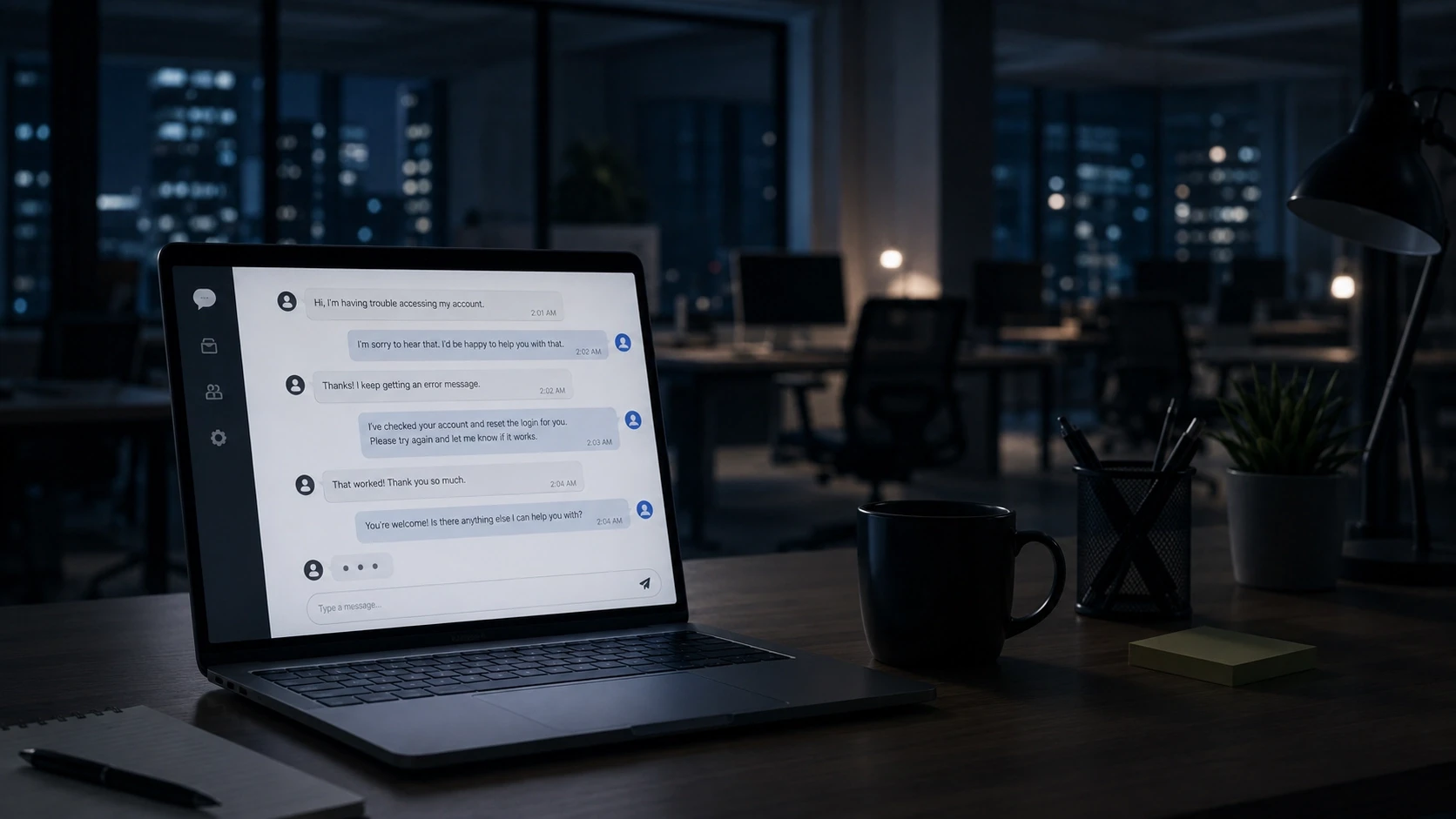
Somewhere right now, a customer is typing "TALK TO A HUMAN" in all caps at a chatbot that keeps cheerfully suggesting help articles. Don't let that be your chatbot.
Here's the uncomfortable truth about an AI chatbot for customer support: it's simultaneously the highest-leverage support decision a startup can make and the easiest one to botch. Done right, one bot quietly handles the workload of 2–3 support agents on routine queries, answers at 2am without overtime, and never sighs audibly. Done wrong, it's a customer-repelling cage with a smiley face.
The difference isn't the tool. It's the setup. This post is the setup.
(New to automation in general? Start with our pillar guide on AI automation for startups — this post zooms into the single highest-impact workflow from it.)
Why bother? Because the math is rude
Let's speedrun the business case before the how-to:
Your customers are impatient in writing. Zendesk's research found 60% of consumers will switch to a competitor after one bad support experience. One. Not a pattern of neglect — one slow, unhelpful interaction. For a startup where every customer was expensive to acquire, that stat should keep you up at night (conveniently, the chatbot doesn't sleep either).
Most questions are the same five questions. Pull up your support inbox and count. Pricing, how-do-I, where's-my-order, refund policy, password reset. Typically 60–80% of volume is repeat questions with known answers. Paying a human to retype known answers is paying a pianist to play the doorbell.
The economics are absurd. Chatbot tooling runs roughly $50–200/month. A support hire costs that per day. The bot doesn't replace the human you'll eventually need — it delays the hire until the interesting problems justify one, and makes that person's job better when they arrive (more on that below).
The anatomy of a chatbot people actually like
Customers don't hate chatbots. They hate three specific things: bots that don't know anything, bots that pretend to be human, and bots that won't let them leave. Design against those three and you're ahead of most of the internet.
1. It knows your business cold
A modern AI chatbot isn't a decision tree of canned replies — it's trained on your actual content: docs, FAQs, policies, product details, past conversations. Which means the real work of launching a chatbot isn't configuring software. It's feeding it a good knowledge base.
Before you touch any tool, assemble:
Your 20–30 most common questions with your best answers (not the rushed ones you typed at midnight). Your policies — refunds, shipping, cancellation — in plain language. Product/service details, pricing, and the edge cases you answer weekly. And crucially: a list of what the bot should never answer (billing disputes, legal threats, anything involving the word "lawyer").
Garbage in, confident garbage out. An AI bot with a thin knowledge base doesn't say "I don't know" — it improvises. You do not want an improvising bot discussing your refund policy.
2. It's honest about being a bot
Name it something obviously non-human, have it introduce itself as an AI, and let it have a little personality. Customers are fine talking to a robot — they're creeped out by a robot cosplaying as "Jessica from support." Bonus: when the bot is upfront, customers phrase questions more clearly, which improves answer quality. Everybody wins.
3. The escape hatch is glowing and unmissable
This is the hill we'll die on: every conversation must have a one-click path to a human. Not after three failed attempts. Not hidden behind "is there anything else?" Immediately, always, visibly.
Counterintuitively, an easy escape hatch makes people less likely to use it. When customers know they can bail anytime, they relax and give the bot a real shot. When they feel trapped, they skip straight to ALL CAPS.
Wire the handoff properly: the human should receive the full transcript, the customer's details, and the bot's best guess at the issue. Nothing torches goodwill like escaping the bot only to be asked "so, what seems to be the problem?"
Building this and want it done right the first time? Chatbots are the bread and butter of our AI solutions practice at Origo — we handle the knowledge base, the escalation logic, and the tone so the bot sounds like your brand, not a toaster. Say hello and we'll scope it with you.
The launch plan: one week, four steps
Platforms advertise "launch in a day," and technically that's true — the way instant noodles are technically dinner. Here's the version that produces a bot worth having. Total time: about a week.
Day 1–2: Build the knowledge base. Everything from section one above. This is 70% of the outcome. Write answers the way your best support person would say them — the bot will inherit that voice.
Day 3: Configure and connect. Pick a platform (no-code options are genuinely fine for most startups), load the knowledge base, set the tone, define the never-answer list, and wire up the human handoff to wherever your team lives — email, Slack, a shared inbox.
Day 4–5: Red-team your own bot. Try to break it. Ask questions sideways, misspell things, ask about competitors, get emotional, request a refund for something you never bought. Every weird failure you find now is a customer who doesn't experience it later. Recruit your bluntest friend for this — the one who reviews restaurants like a disappointed food critic.
Day 6–7: Soft launch and lurk. Turn it on, then read every single transcript for the first week. You're hunting for two things: questions the bot fumbled (fix the knowledge base) and questions you never anticipated (add them). This reading habit, kept up even 30 minutes a week, is what separates bots that improve from bots that fossilize.
The metrics that matter (and the one that lies)
Track four numbers:
Resolution rate — the share of conversations the bot closes without human help. Healthy range after the first month: 50–70%. Below that, your knowledge base has gaps. Suspiciously above 85%? Check the next metric, because your bot might just be refusing to hand off.
Escalation quality — when conversations reach a human, was the handoff clean and was the customer still calm? Angry escalations mean the bot held on too long.
Customer satisfaction on bot-only chats — a simple thumbs up/down at conversation's end. Compare it to your human CSAT. Modern bots score surprisingly close on routine queries.
Deflected volume — how many tickets your team didn't handle. This is the number that translates to reclaimed hours and delayed hires. It's also your ammo for the "was this worth it?" conversation with yourself.
The metric that lies: total conversations. A busy bot isn't necessarily a helpful one. Volume without resolution is just automated frustration at scale.
What the bot does to your human support (spoiler: improves it)
The fear is that a chatbot makes support feel cheaper. Run well, the opposite happens.
When the bot absorbs the repetitive 70%, your humans inherit the interesting 30% — the weird edge cases, the upset-but-saveable customers, the product feedback disguised as complaints. That work is more engaging, so support stops being a burnout seat. Response times drop across the board because humans aren't buried under password resets. And your support inbox becomes a research tool: bot transcripts are a beautifully organized log of what confuses people about your product, which is free product strategy if you actually read it.
The startups that get this right don't think "bot instead of humans." They think "bot as the first filter, humans as the specialists."
Mistakes we keep seeing (so you don't have to make them)
Launching with an empty brain. Plugging in a bot with no knowledge base and letting the AI wing it. Improvisation is charming at jazz clubs, not in refund conversations.
No never-answer list. The bot needs explicit no-go zones: legal matters, security incidents, big-account billing disputes. These go straight to humans, no exceptions.
Treating launch as the finish line. The bot is a garden, not a statue. Product changes, policies update, new questions emerge. Unmaintained bots drift into confidently wrong answers within months.
Ignoring the transcripts. All your improvement material is sitting in the logs. The founders who read them weekly end up with eerily good bots. The ones who don't end up back at square one wondering why CSAT dipped.
Frequently asked questions
How much does an AI customer support chatbot cost? Tooling typically runs $50–200/month for startups. A professionally built and trained setup — knowledge base, escalation design, brand voice — usually lands at $1,000–5,000 up front. Against the cost of a support hire, it pays for itself in weeks.
How long does it take to set up an AI chatbot? A meaningful setup takes about a week, and most of that is preparing the knowledge base, not configuring software. Instant launches are possible but produce bots that guess.
Will an AI chatbot annoy my customers? Only if it's caged. Bots annoy people when they lack answers, pretend to be human, or block access to real support. Give the bot a solid knowledge base, an honest identity, and a one-click human handoff, and satisfaction scores stay close to human-level for routine queries.
What percentage of support tickets can a chatbot handle? A well-trained bot typically resolves 50–70% of conversations without human help — largely the repeat questions that make up most support volume. The remainder escalates to your team with full context.
Do I need a support team if I have a chatbot? Yes, eventually — the bot handles the routine layer, humans handle judgment, empathy, and edge cases. The realistic win is delaying your first support hire and making the role better when it exists.
Can a chatbot also generate leads? Absolutely — the same bot that answers support questions can qualify visitors, book calls, and capture enquiries after hours. Support and lead capture are the two highest-ROI chatbot jobs, and they share infrastructure. (That's the "lead response" workflow from our AI automation guide.)
The bottom line
An AI chatbot for customer support is one of those rare startup decisions with a fast payoff and a long tail: cheaper than a hire, faster than an inbox, and — if you build the knowledge base properly and keep the escape hatch glowing — genuinely liked by customers.
The recipe, one more time: feed it well, let it be honest, make leaving easy, read the transcripts.
And if you'd rather hand the whole thing to people who've built these across industries, that's what we're here for. Origo Studios designs AI solutions and full marketing engines for ambitious brands. Browse our work or drop us a line — we'll take it from there.